






















In version 7.5.1, Corporate Planner continues to expand the possibilities for your day-to-day work on the web with enhanced core functions, simplified workflows and more application areas directly accessible within the platform. A particular highlight with this release is the new reporting system now being available to you in the web client.
The goal:
Less switching between applications, more centralized processes, and a platform that's easier to manage and develop.
What's New
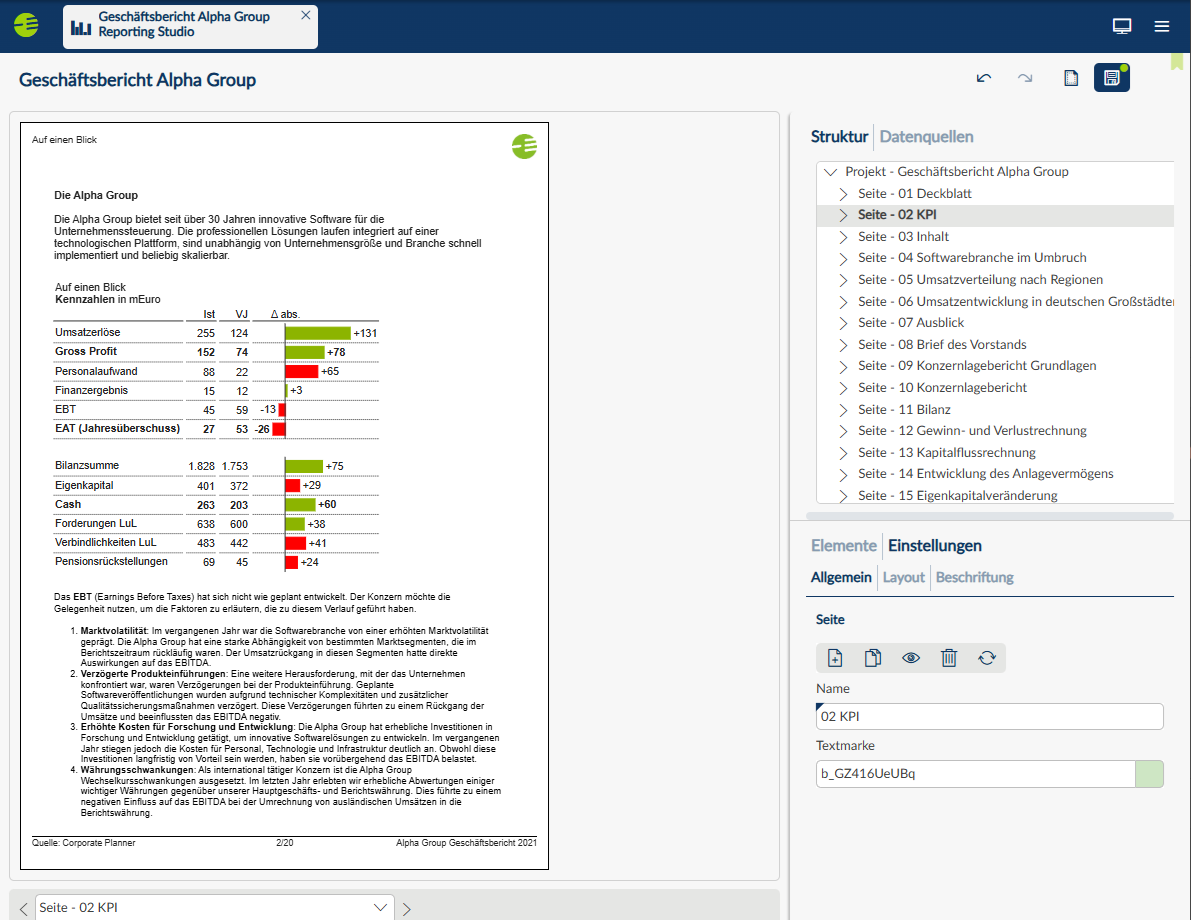
Reporting Studio
In Reporting Studio, you benefit from a modern platform for creating, updating and using reports directly within the web client. At the same time as ensuring that the tried-and-tested functions are all present and correct, we've also been laying the groundwork for future enhancements.
To cater to different sets of requirements, two options are available:
- Reporting Studio Standard: for tabular reports in multi-page reporting projects with a wide range of possibilities for customization.
- Reporting Studio Professional: includes all the features of Reporting Studio Standard but also offers powerful visualization capabilities with a wide variety of informative chart types for use in management reporting, dashboards and presentations. Automatic recommendations provide guidance for choosing the most suitable visualization. User-defined styles can be created for centrally managed, company-wide uniform layouts, and the projects can be exported to image formats and PowerPoint.
Customers already using the advanced reporting solution will continue to have the full function range at their disposal.
What you need to know:
- No immediate action is required for your existing reports.
- More functions will be added in future versions.
To find out more about using Reporting Studio, migration and known issues, please read the release notes and documentation.
One central starting point for day-to-day work
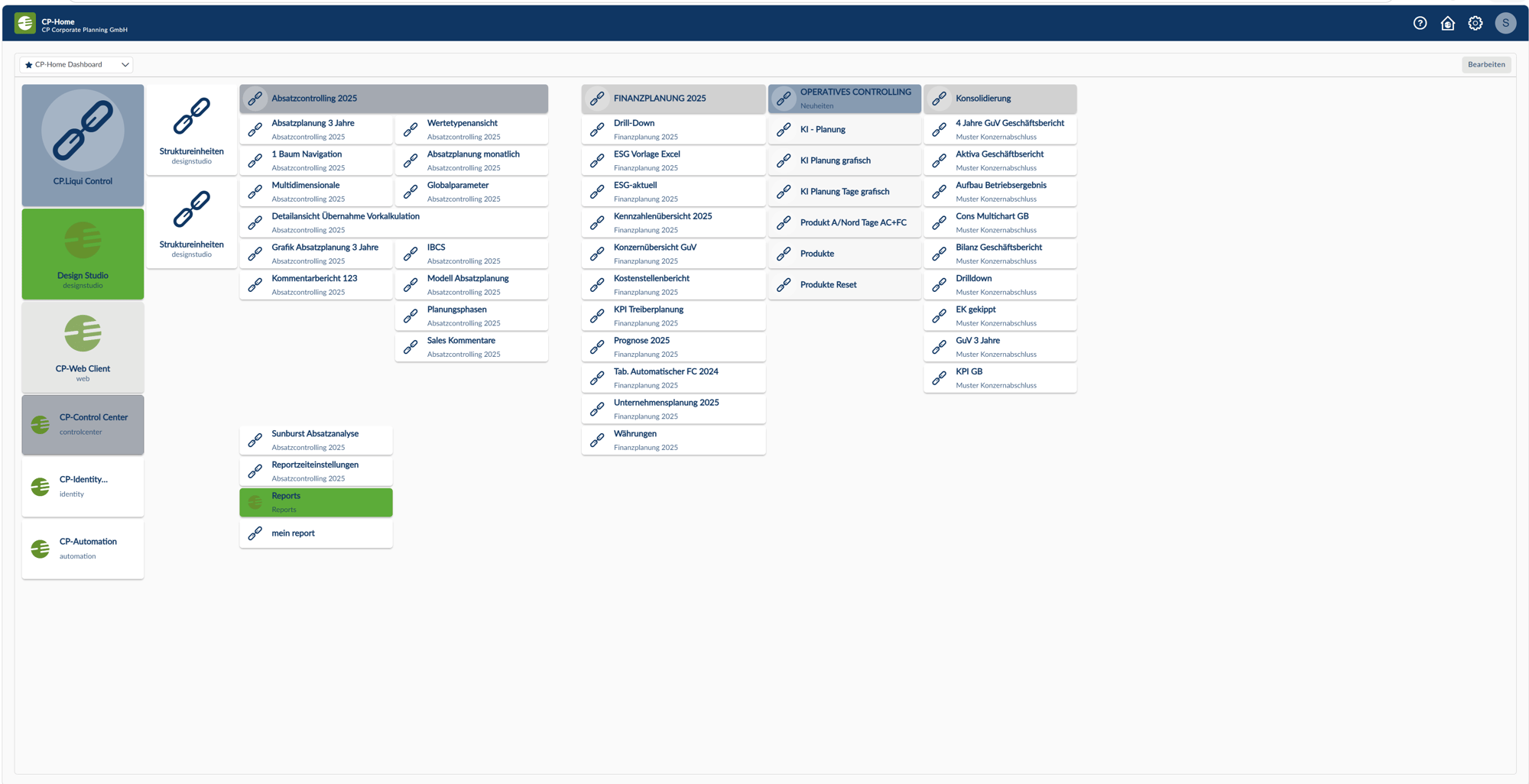
CP-Home is being expanded as the central point of access to provide greater flexibility for day-to-day work within the platform.
New in version 7.5.1:
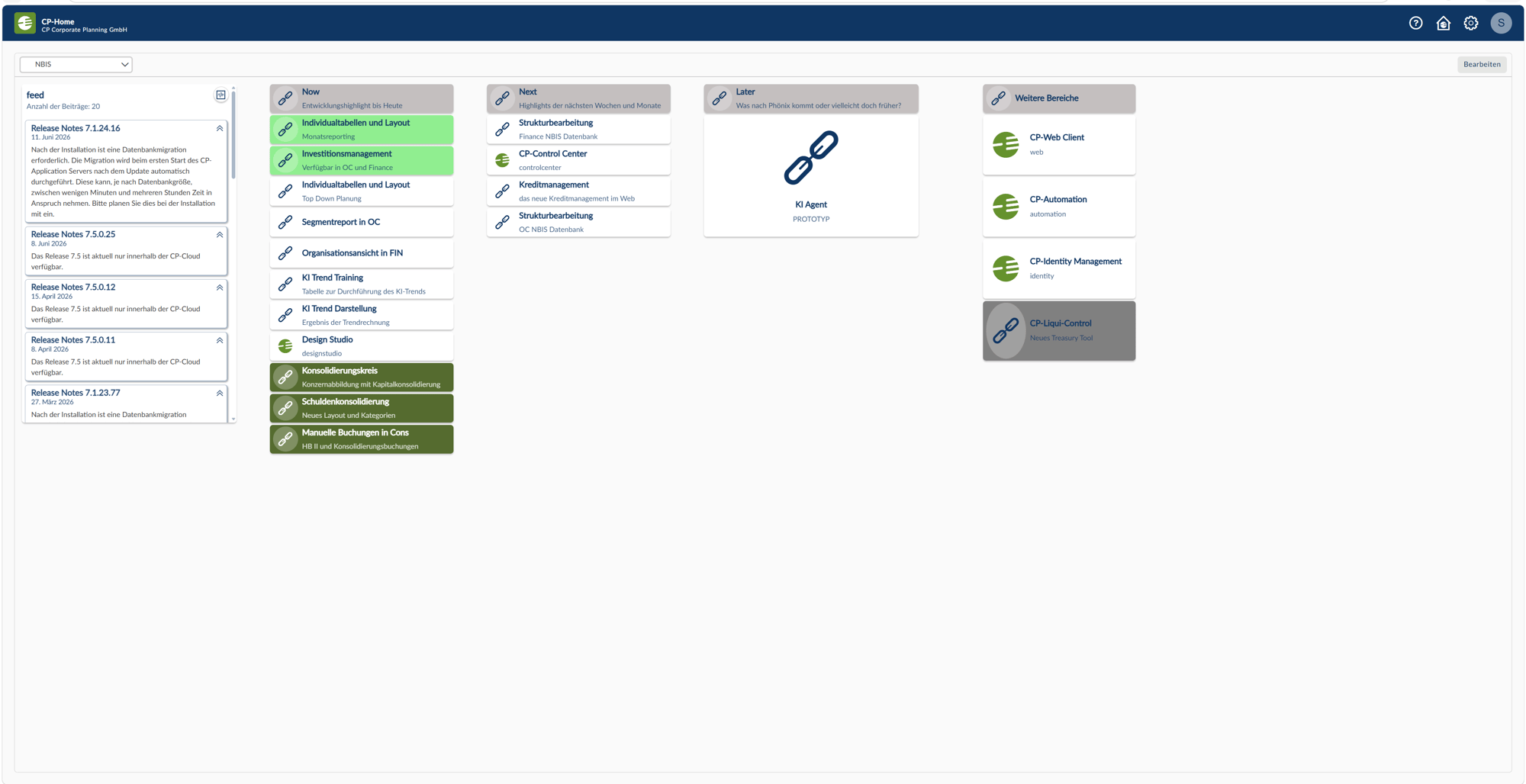
- Release notes can now be viewed in CP-Home
- Multiple dashboards per user – design your workspace to suit your needs
- Widgets can be created directly via Design Studio and the web client
- Cross-tenant links make switching between applications and content easier
-
New possibilities with CP-Home
 ×
×
-
CP-Home with release notes
 ×
×
This allows personal workspaces to be more closely tailored to individual needs and the use of the applications to be more centralized.
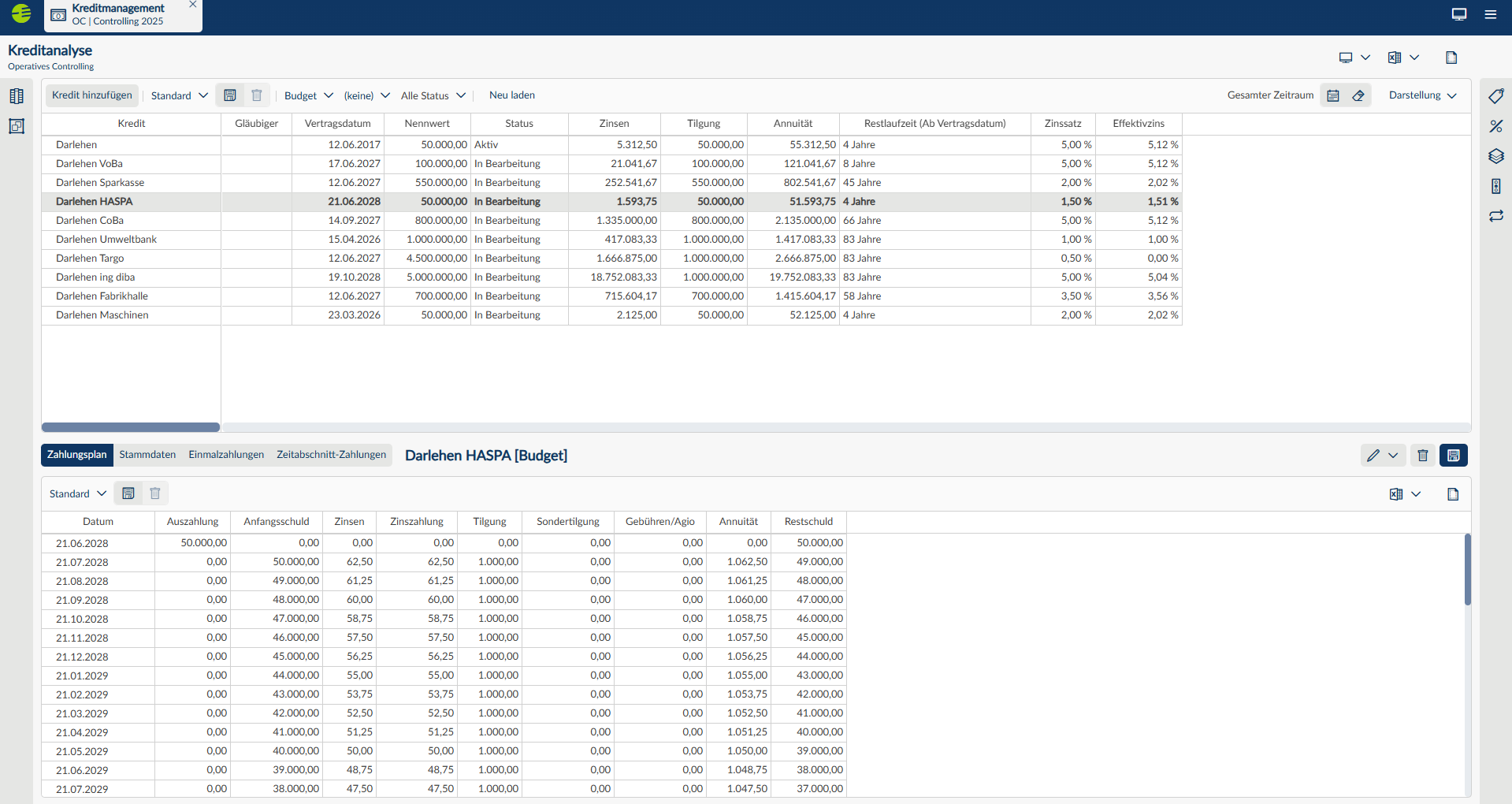
Credit Management – now available on the web
With the release of version 7.5.1, the credit management tool has been made fully available in the Corporate Planner web application. Existing loans remain intact and can continue to be managed as usual in the web client without any additional migration effort.
At the same time, the functional scope of credit management has been expanded in this version. New features include the full integration of exchange rates and currency conversion for loans in different currencies, as well as status management for loan streams and more flexible possibilities for using additional interest rate lines. To complement these, there are enhanced sorting and grouping options, which also make the loan data easier to process.
This places the credit management function in a more modern and closely integrated environment – with no loss of existing data or processes.
Enhanced structure editing for Finance
In Finance, the web-based possibilities for managing central structures have been expanded further. Additional structure editing functions are now available on the web, including:
- Individual companies
- Structural units
- Group structures
- Chart of accounts mapping
This allows central administrative tasks to be combined more easily and adjustments to be implemented more quickly.
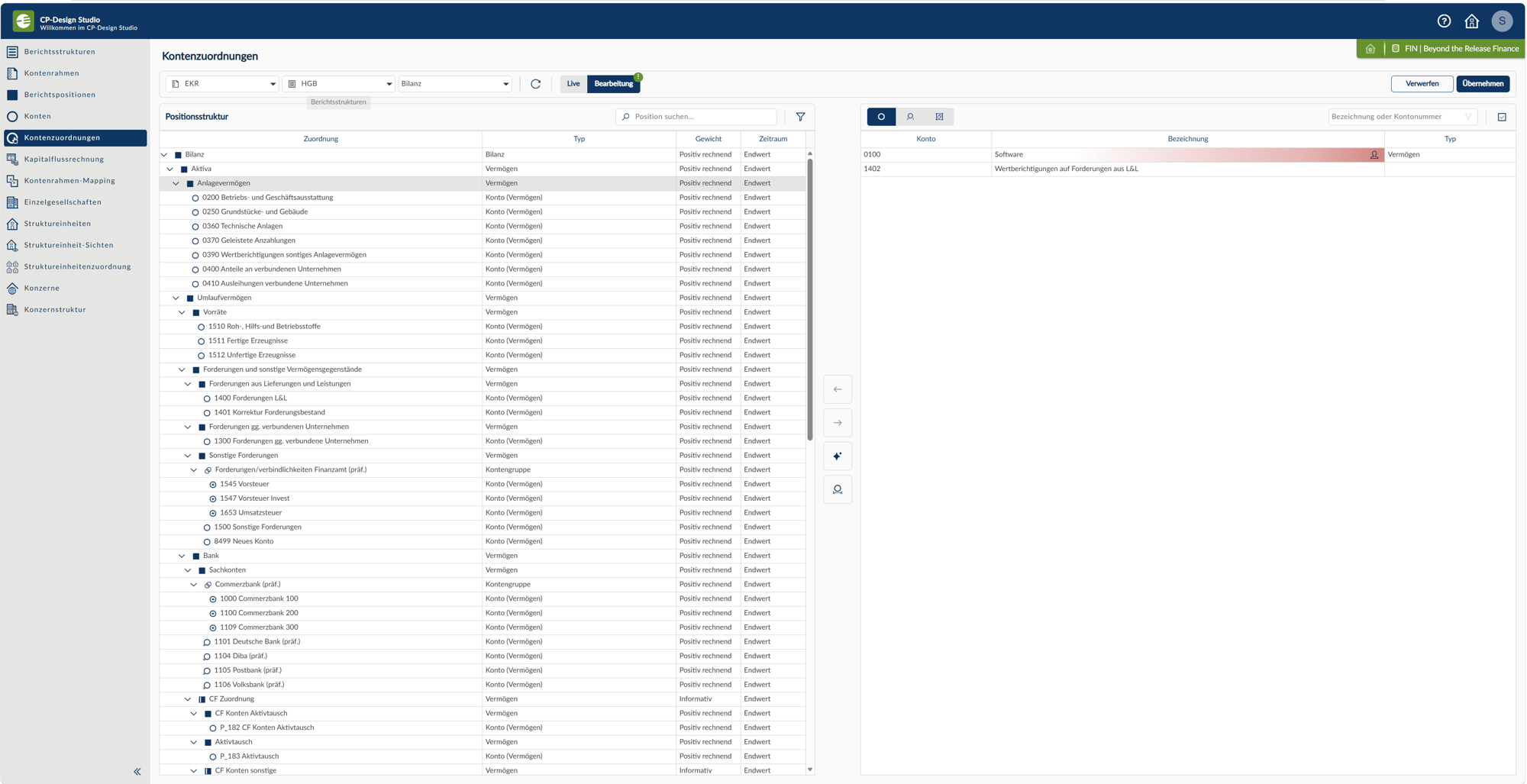
The highlighting function for automatic account mapping has also been expanded and is now available in both CP-Cons and CP-Finance, while improvements in the graphical display of the account assignments help to provide a clearer overview of complex structures and make them easier to manage.
New structure editing functions in Operational Management
This version also introduces additional web-based functions in operational management.
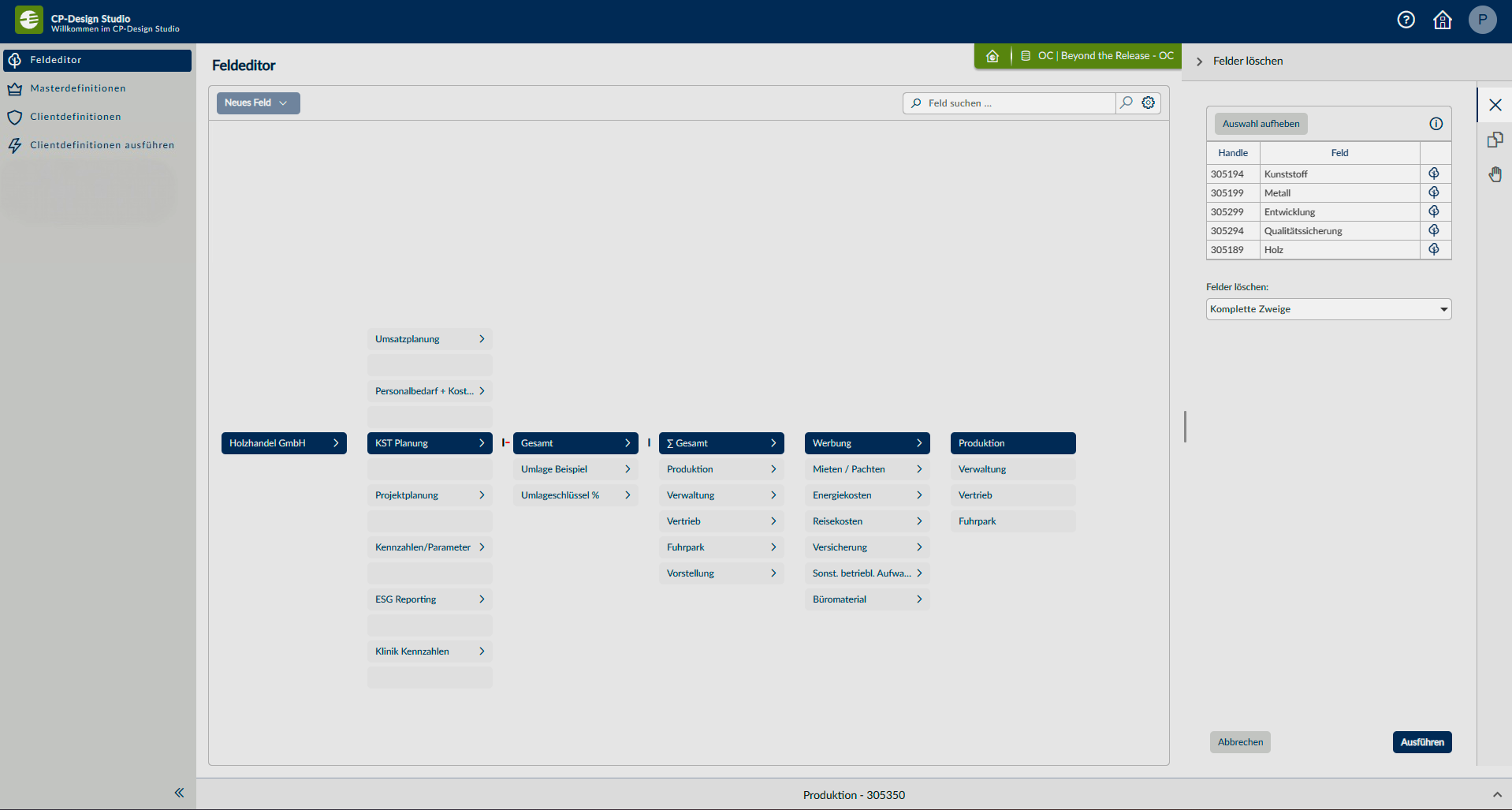
The first of the main structure editing functions in CP-OC can now be used on the web.
These include structural information and administrative settings, which were not previously web based.
Enhancements in Fixed Asset Management
The functional scope of the fixed asset management tool has been expanded in version 7.5.1 too.
Data records can now be sorted by multiple columns and grouped by almost any column, including the calculated values. This makes analysis and navigation significantly user-friendlier, particularly when dealing with large data sets.
Control Center Web: A centralized approach to administration
With Control Center Web, more of the administrative functions have been moved to the web environment.
Users, roles and licences are now managed centrally from within the platform, which makes these administrative tasks much easier and ensures a more consistent user experience.
Get exploring right away
The release of version 7.5.1 has placed more functions at your fingertips in the Corporate Planner web application – from an expanded welcome screen in CP-Home to new structure editing and administration capabilities.
Many of these new features are ready for you to try out immediately and can be gradually integrated into existing workflows. We recommend starting out from CP-Home and discovering where these functions can best support you in your day-to-day work.
You will find further information about the individual features, release notes and the updated documentation as usual in the linked resources.